Labelling Software

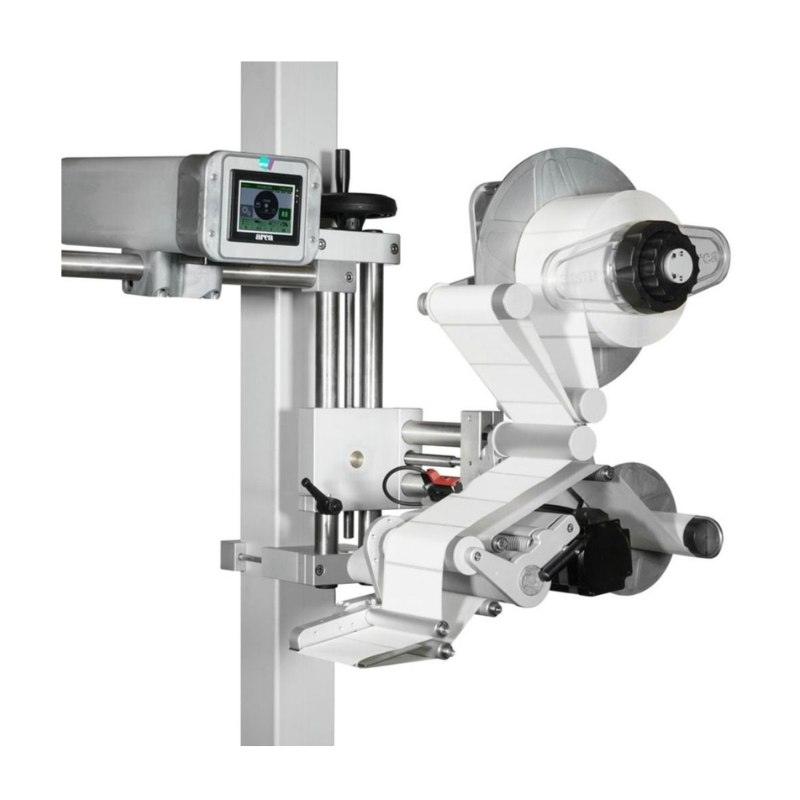
Loftware Cloud Designer empowers businesses to create professional, high-quality labels with ease. Designed for seamless integration into modern production environments, it supports Microsoft Active Directory-compliant user profiling and centralises the management of printers, coders, and print-and-apply systems from top brands like Arca, Videojet, Wolke, Markem, Sato, and Zebra. With automated labelling functions, real-time data storage, and comprehensive tracking capabilities, Loftware Cloud Designer optimises production efficiency and ensures compliance for industries requiring precise labelling, such as pharmaceuticals.

Product
Loftware Cloud
Deployment
Cloud, multi site
User access
Active Directory
Devices supported
Six printer brands
Integration
ERP, WMS and MES
Integrations scoped before go-liveSpecified, installed and supported from Dublin 11
Six printer brands
Arca, Videojet, Wolke, Markem, Sato, Zebra
Active Directory
Roles for design, approval and print
Every print logged
Timestamp, template, user and device
Ireland-wide support
Specification, install and service from Dublin 11

Labelling software explained

It is a control system that happens to print

Label software gets bought as a design tool and earns its money as a control system. The design part is the easy half. The half that matters is knowing which template was approved, who approved it, who is allowed to print it and what actually came off the printer at 3am on a Tuesday. If you are in food, pharma or medical devices, that record is the product as much as the label is.

01

Loftware Cloud Designer, and what cloud actually buys

Cloud deployment is not just someone else running the server. It means one set of templates rather than a copy installed at each site quietly drifting from the others, central control over who can change them, and a global update that lands everywhere at once instead of site by site over a quarter. If you run more than one facility, that standardisation is usually the whole business case on its own.
02

Who is allowed to do what

Access runs on Microsoft Active Directory compliant profiles, so people use the credentials they already have and roles are managed where IT already manages them. Designing, approving and printing are separate permissions, and a print only role lets shop floor users run approved templates without being able to alter them. That single restriction removes the most common source of label errors, which is a well meaning operator fixing something on the fly.

03

Approval, versioning and rollback

Templates move through design, review, approval and release as workflow steps, with electronic signatures on the way. Versioning tracks what changed and lets you revert to a previously approved template quickly. In a regulated environment that is not a convenience feature, it is the difference between answering an auditor in a minute and spending a week reconstructing what happened.

04

Every print is a record

Each job is logged with the timestamp, the template, the user and the device. That log is what supports investigations, CAPA and audits, and it turns questions that used to be unanswerable into a filter on a screen. It is also the quiet reason this kind of system pays back: not the labels it prints correctly, but the one batch you do not have to write off because you can prove what went on it.

05

One place for a mixed printer estate

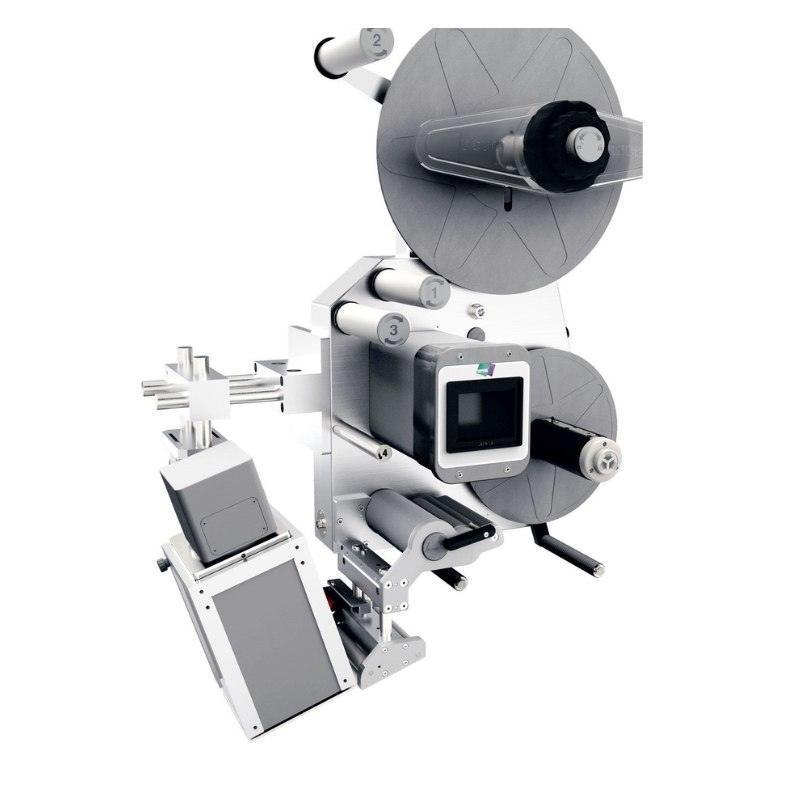
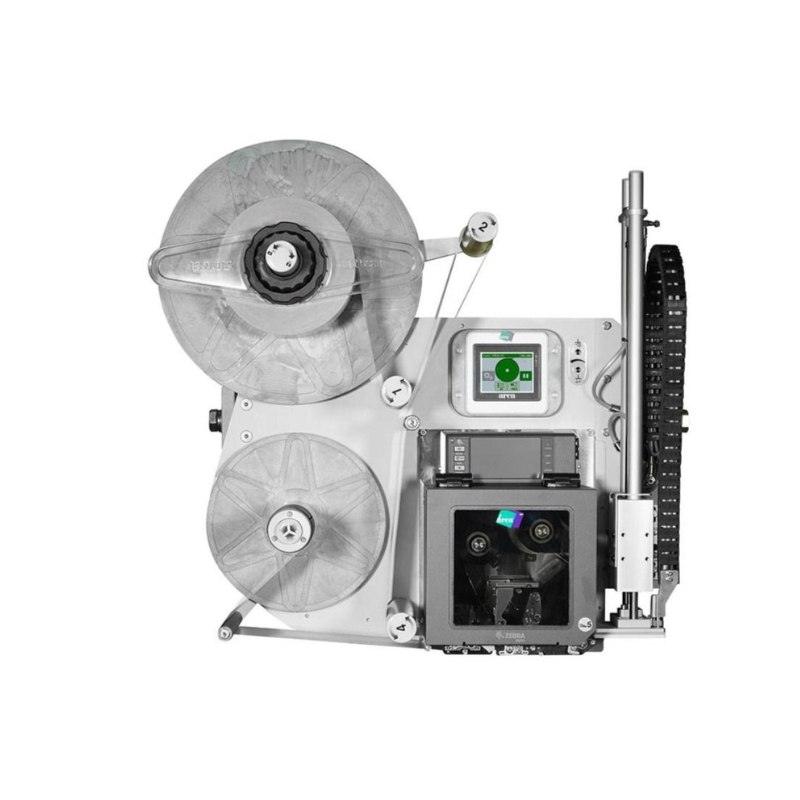
Most plants do not have one brand of printer, they have whatever was bought over fifteen years. Printers, coders and print and apply systems from Arca, Videojet, Wolke, Markem, Sato and Zebra are managed together, with print and apply supported through standard drivers and protocols. Standardised templates across a mixed estate mean a label looks the same whichever machine prints it, and a device swap is a configuration rather than a project.

06

Live data instead of retyped data

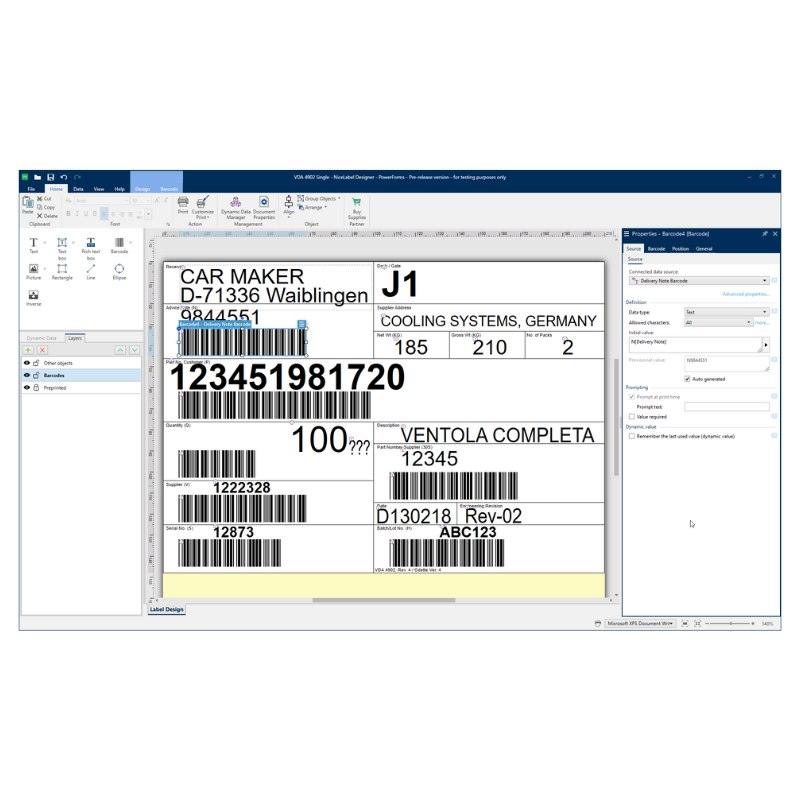
Labels are generated from live business data through APIs, connectors or database links to your ERP, WMS or MES, so the batch number on the label is the batch number in the system rather than something typed twice. Templates cover GS1 barcodes, UDI and human readable fields with validation tools, which is what makes the output defensible when a customer or a regulator asks.

Rollout and where it sits

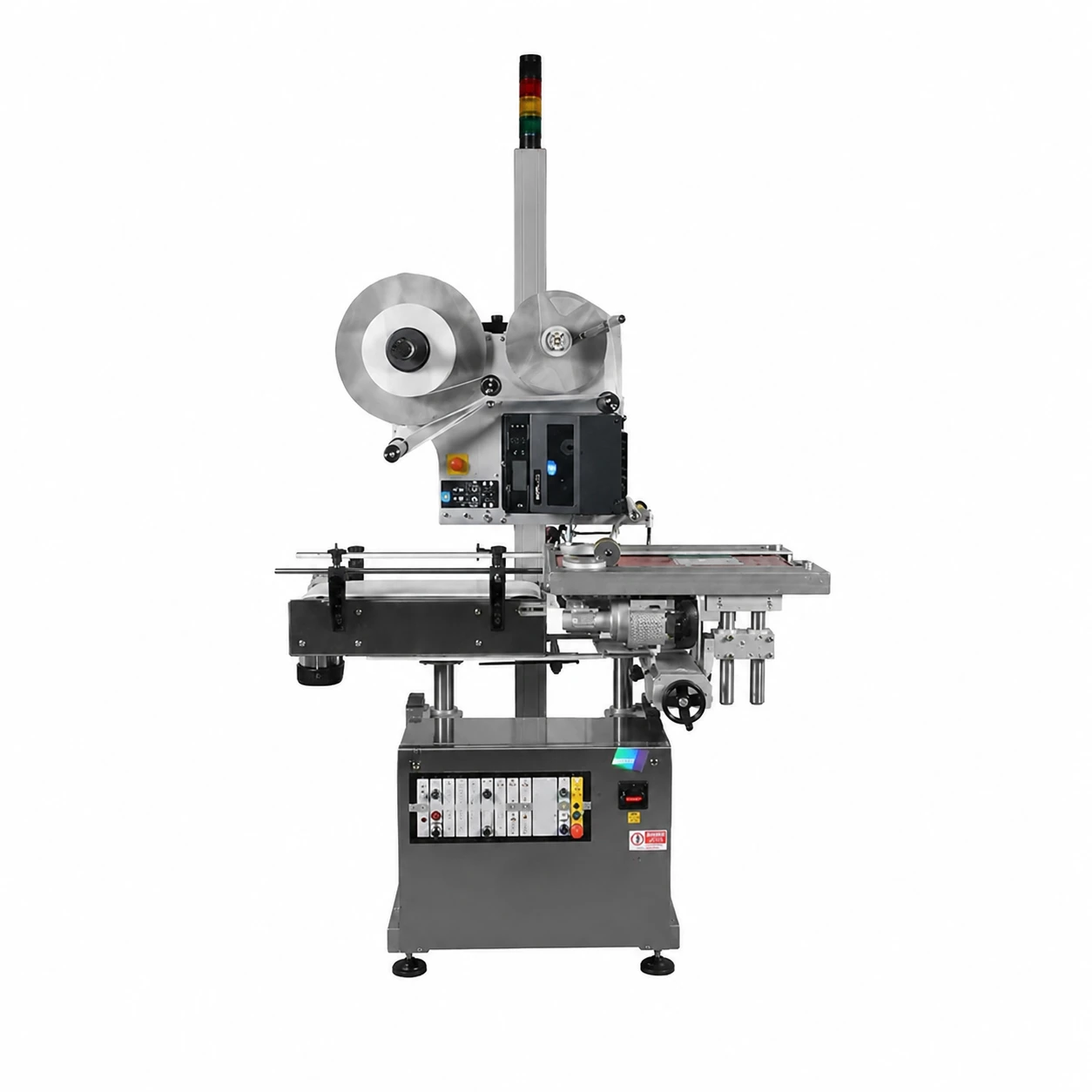
Cloud deployment shortens the rollout, and device drivers plus template imports accelerate go-live, with the integrations scoped against your systems before launch rather than discovered during it. On the floor the software drives print and apply labellers, apply only applicators and industrial labelling systems, alongside laser marking where the code goes onto the product itself, and its output is checked by barcode verification. LVP Automation specifies, integrates and supports labelling software from Finglas, Dublin 11 as part of our wider automation services.

Specification

Product
Loftware Cloud Designer, cloud based label design and management
Deployment
Cloud, suited to multi site rollouts with centralised templates and control
User access
Microsoft Active Directory compliant profiles with roles and permissions
Devices supported
Printers, coders and print and apply systems from Arca, Videojet, Wolke, Markem, Sato and Zebra
Integration
APIs, connectors or database links to ERP, WMS and MES
Compliance formats
GS1 barcodes, UDI and human readable fields with validation tools
Approval workflow
Design, review, approval and release steps with electronic signatures
Print records
Every job logged with timestamp, template, user and device
Roles
Print only roles so shop floor users cannot alter approved templates
Change control
Versioning to track changes and revert to approved templates

Where the Labelling Software Excels

Compliance-Ready Labelling

Role-based access, audit trails and validated print records support pharma and other regulated environments that demand consistency and proof of control.

Single Pane of Glass for Devices

Manage printers, coders and print-and-apply systems from leading brands in one place, standardised templates, faster rollouts, fewer errors.

Automated, Data-Driven Workflows

Trigger labels from ERP/WMS/MES, pull live data into templates and log every print, speeding operations and improving accuracy.

FAQs about the Labelling Software

Quick answers on integration, compliance, users, devices, validation and rollout.

Can it integrate with our ERP/WMS/MES?

Yes, use APIs/connectors or database links so labels are generated from live business data with full traceability.

How is user access controlled?

Through Microsoft Active Directory-compliant profiles with roles/permissions to manage who can design, approve or print.

Which printers and coders are supported?

Major brands including Arca, Videojet, Wolke, Markem, Sato and Zebra, plus print-and-apply systems via standard drivers/protocols.

Does it support pharma/UDI/GS1 formats?

Yes, templates for GS1 barcodes, UDI and human-readable fields with validation tools and audit logs for compliance.

Is it suitable for multi-site deployments?

Absolutely, cloud architecture standardises templates, centralises control and speeds global updates.

Can we automate label approval?

Yes, use workflow steps for design, review, approval and release with electronic signatures and version control.

How are print records stored?

Each job is logged with timestamp, template, user and device, supporting investigations, CAPA and audits.

Can operators be limited to print-only?

Yes, grant print-only roles so shop-floor users can’t alter approved templates.

What about change control and rollback?

Versioning lets you track changes and revert to approved templates quickly.

How fast is implementation?

Cloud deployment shortens rollout; device drivers and template imports accelerate go-live. We scope integrations to your systems for a clean launch.

Similar Products

Let's Connect

Have a question about our conveyor systems or need a tailored automation solution for your business? Our team at LVP Automation is here to help. Fill out the form below with your details, and we’ll get back to you as soon as possible. Whether you need a quote, technical support, or more information on our products, we’re ready to assist.