01The Okura A Series, and what the models differ on
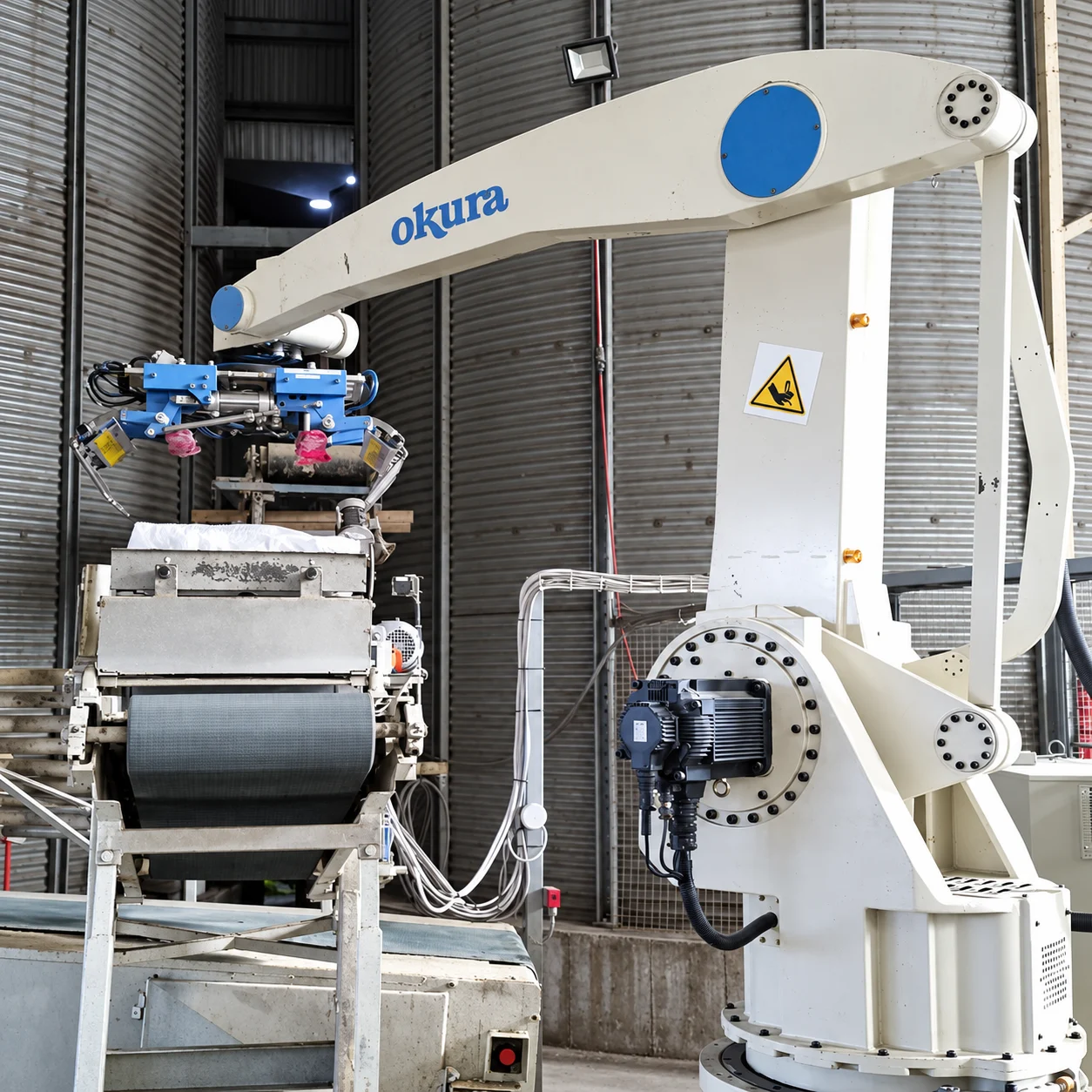
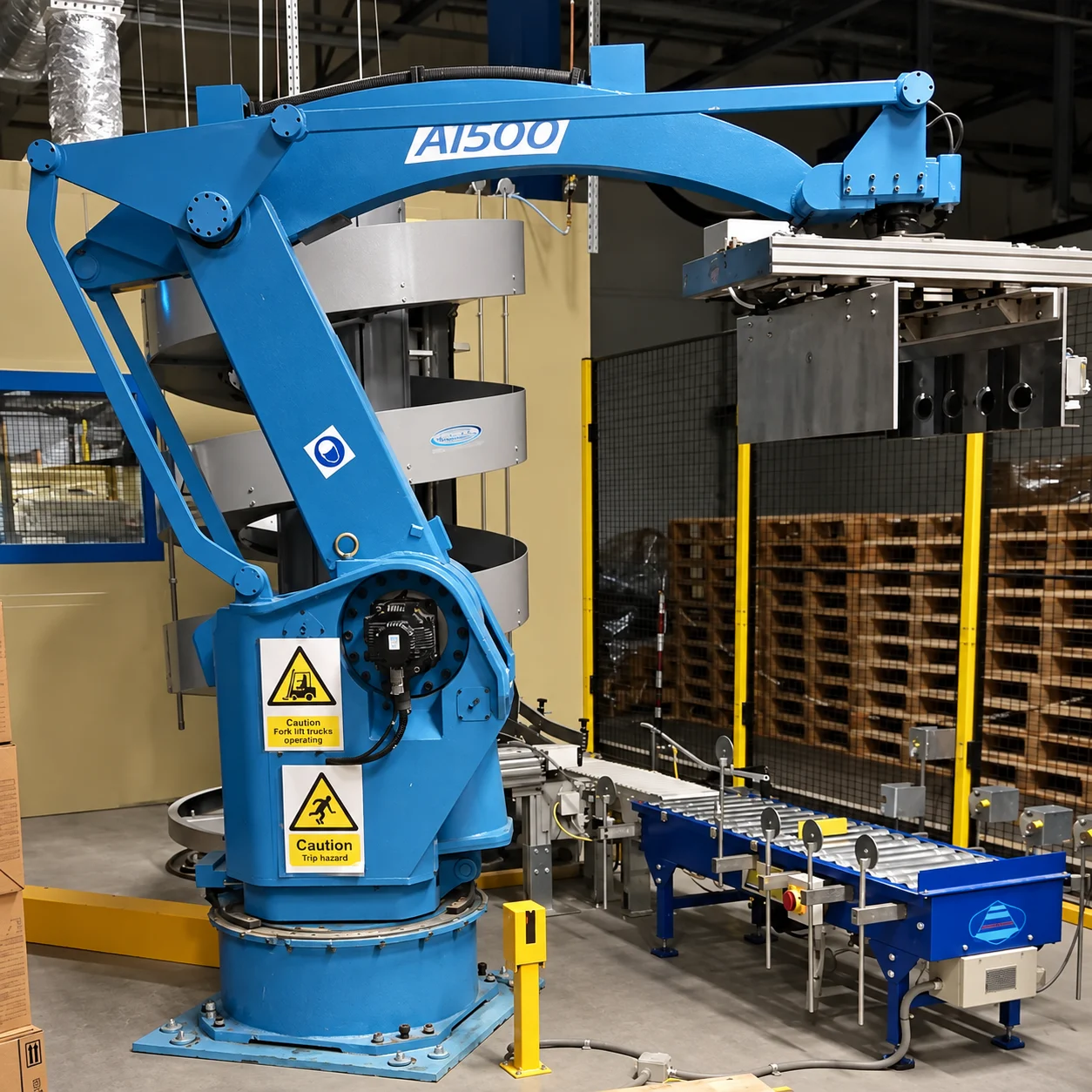
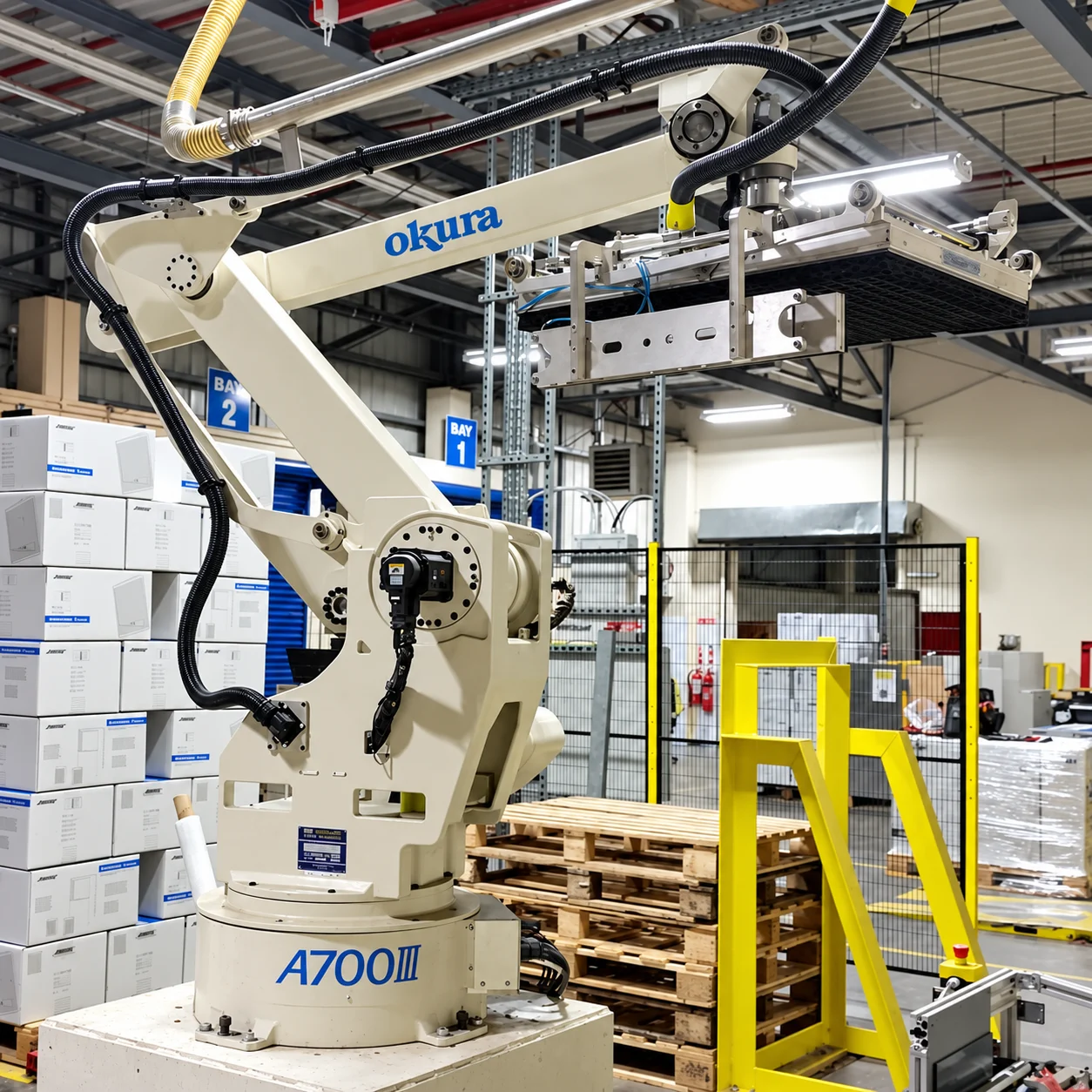
The Okura A Series is a four axis, multi articulated polar coordinate robot in four versions. The A700V, A1600V and A1800V all carry 140 kg; the A1800V-W carries 350 kg for heavy cases and full layer tooling. Working envelope is the same across the range apart from the vertical: D-axis 2,300 mm, T-axis 440 degrees and a full 360 degrees on the R-axis, which is what lets one arm serve up to six pallet positions. The O-axis is 1,518 mm on three of the models and 1,750 mm on the A700V. Power is 6.5 kVA, or 2.5 kVA on the A700V, and all four are rated 0 to 40 C at 35 to 85 per cent relative humidity.
02Cycle rates, and what moves that number
Okura rate the robots at 700 cycles an hour for the A700V, 1,600 for the A1600V, 1,800 for the A1800V and 500 for the heavy payload A1800V-W. The brochure is explicit on two points worth repeating: the handling rate depends on layout and on the hand, and maximum payload is not the same thing as capacity. In a real cell, single pick rates typically land at 8 to 20 picks a minute depending on case weight, grip and travel path, with multi pick or full layer tooling going higher. Both numbers are useful. The first tells you what the arm can do, the second tells you what your cell will do. A shorter path is worth more than a faster robot, so bring a target throughput rather than a model number to the sizing conversation.
03The SA-F Series twin palletising cell
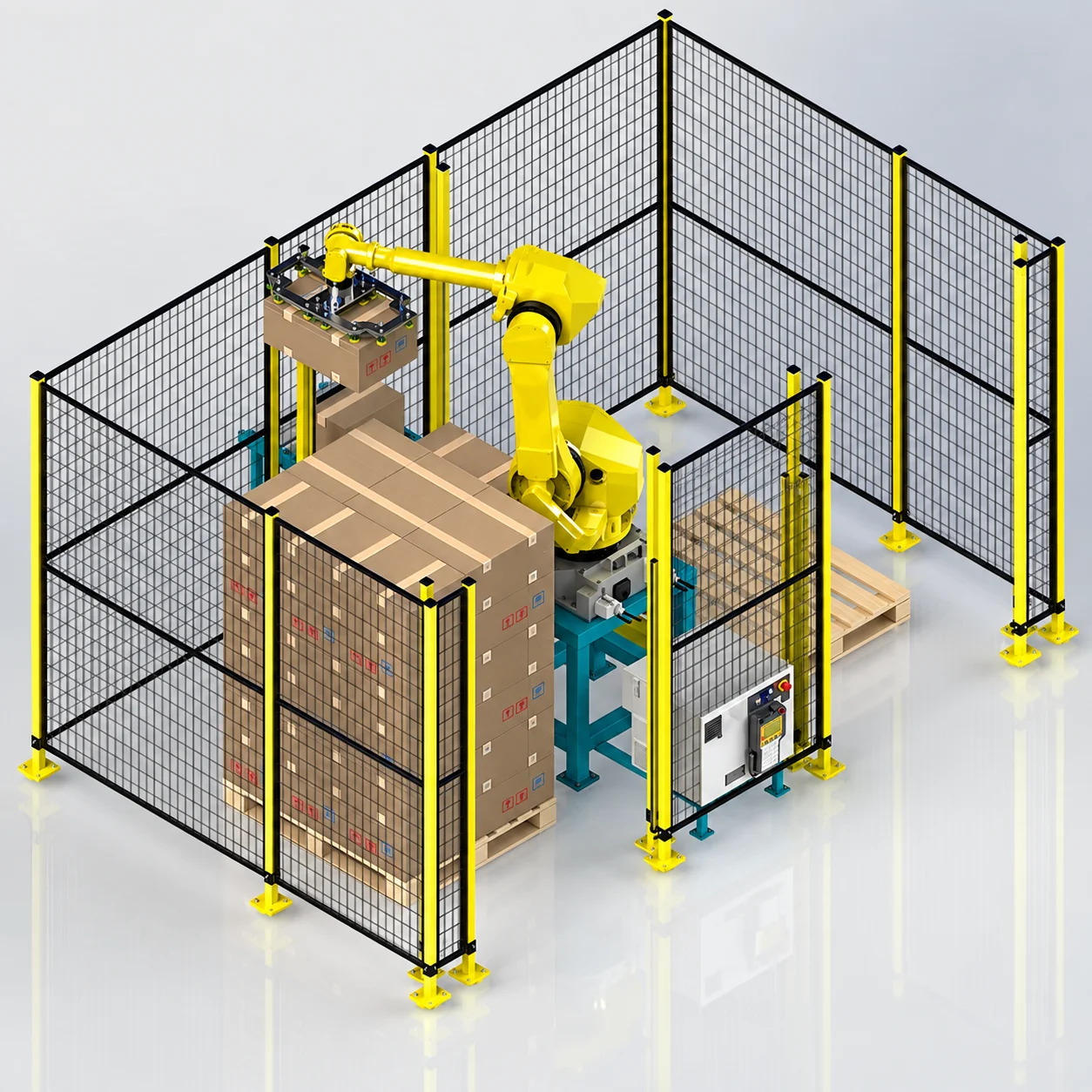
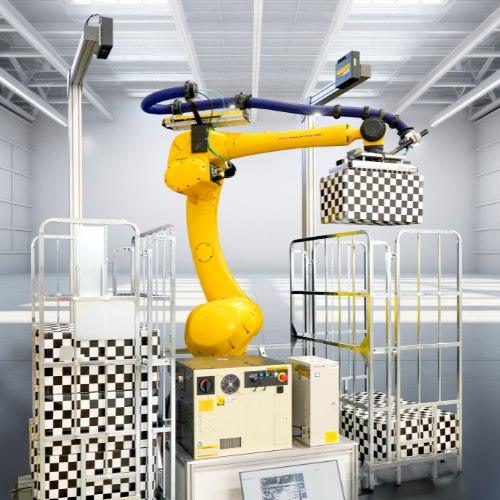
Where a single arm is not the right answer, the SA-F Series is a twin cell built around the same approach. Published figures are a maximum load of 50 kg including the gripper and up to 15 cycles a minute depending on load and pallet matrix. It handles EURO 1200 x 800 mm and UK, CHEP and industry 1200 x 1000 mm pallets, to a maximum build height of 2,000 mm. Services are 24V DC control, 400V 50Hz three phase with neutral and earth, and a minimum of 6 bar clean dry air with a local isolation valve. The robot is IP54 as standard, with IP67 optional on the body and standard on the wrist, and the teachbox runs on an 8 m pluggable cable. Gripper type, whether vacuum, mechanical or hybrid, is confirmed against your product rather than assumed.
04Choosing between an industrial robot and a cobot cell
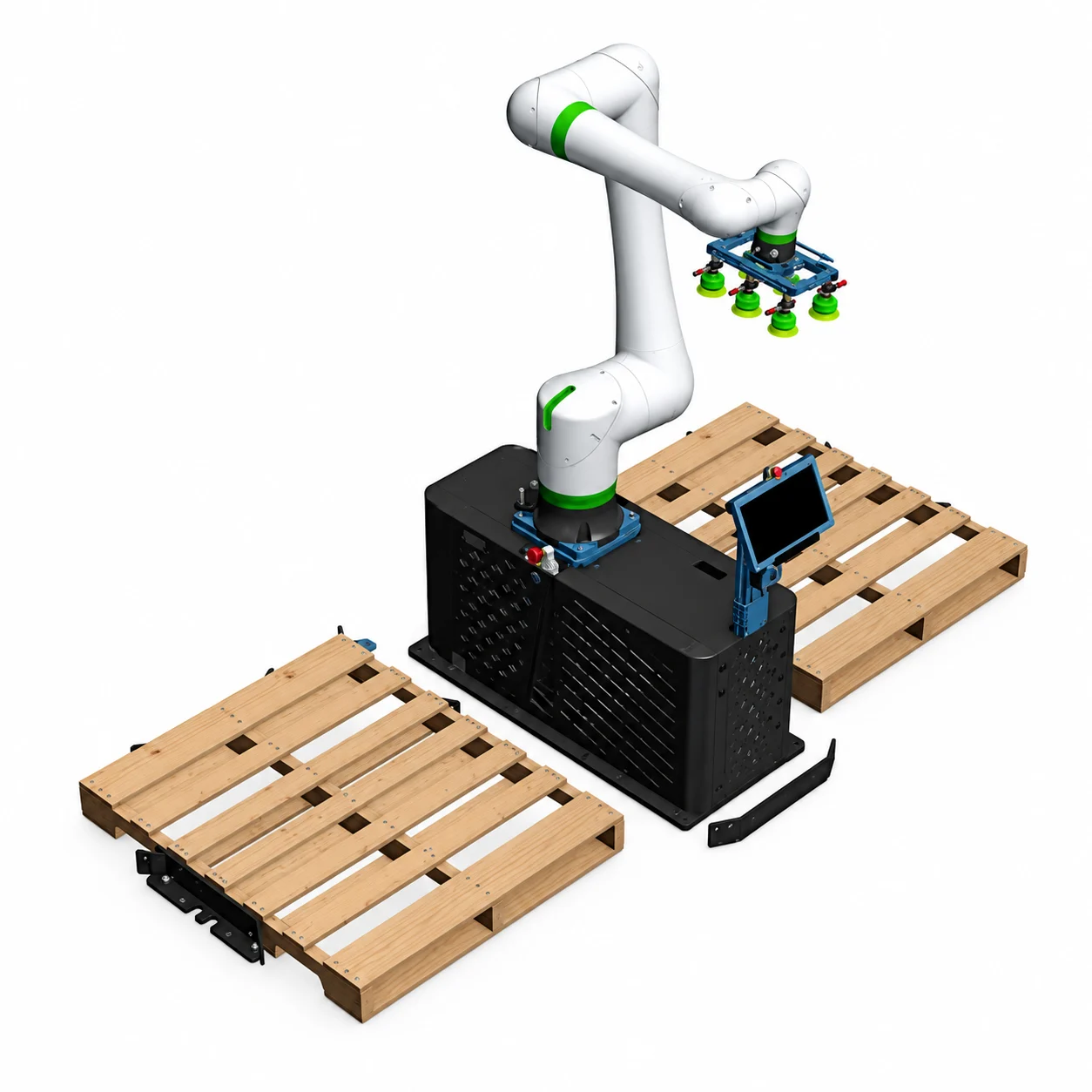
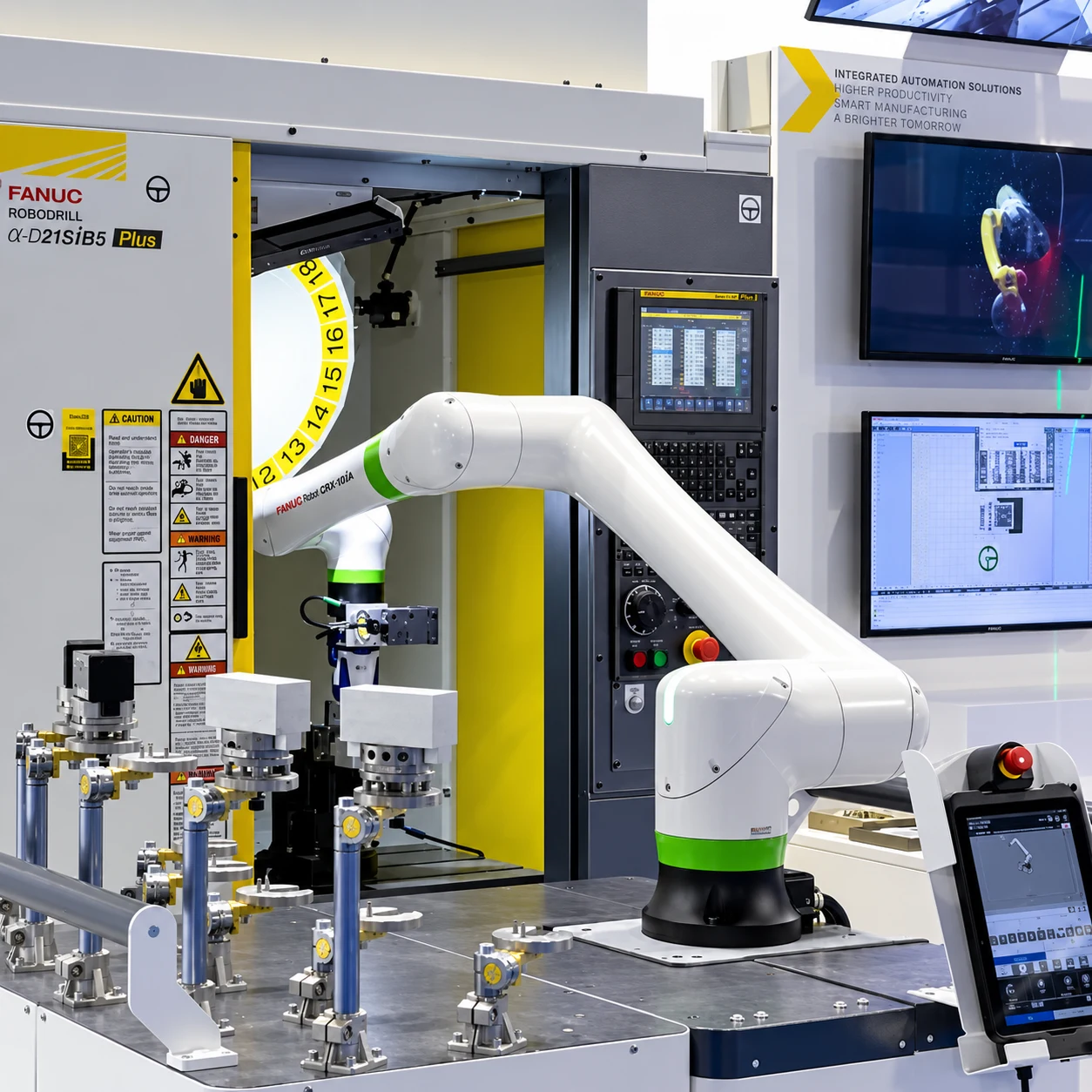
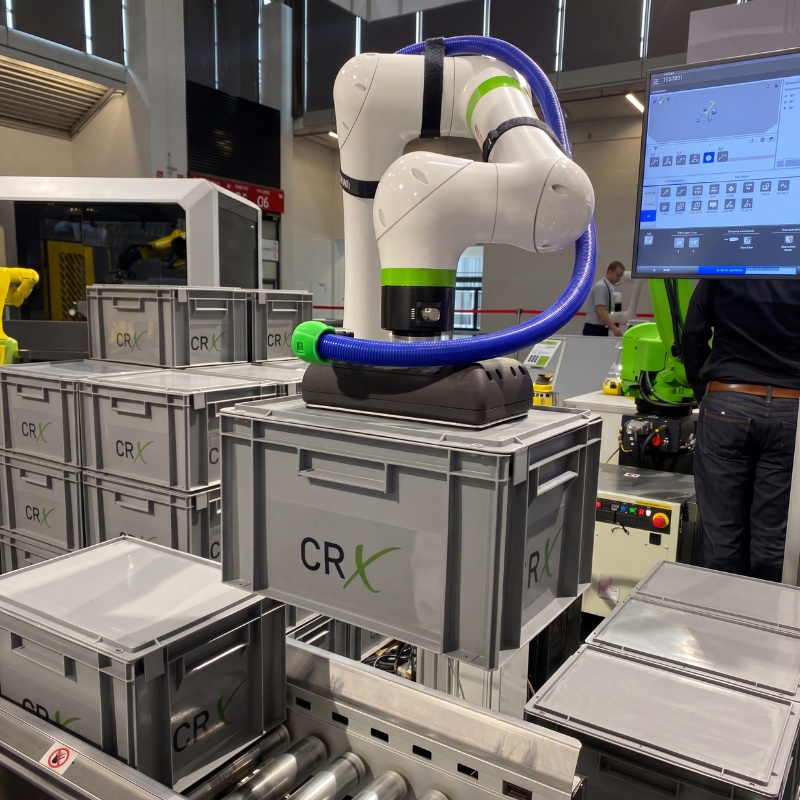
Not every line needs a caged industrial arm. Our cobot palletiser handles 10 kg including the gripper at 5 cycles a minute in collaborative mode or 10 in robot mode, to a 1,500 mm build height, and it works beside people without full fencing. The industrial cells above carry far more and build higher and faster, but they need the guarding and the floor space that go with it. The honest rule is that case weight, required build height and throughput decide it, not preference. If your cases are light and the rate is modest, the cobot is usually the cheaper and simpler answer.
For a fuller walk through of how a cell gets specified, from gripper choice to layout, see our guide to robot palletisers and how a palletising cell is specified.
05Mixed SKU and multi-line palletising
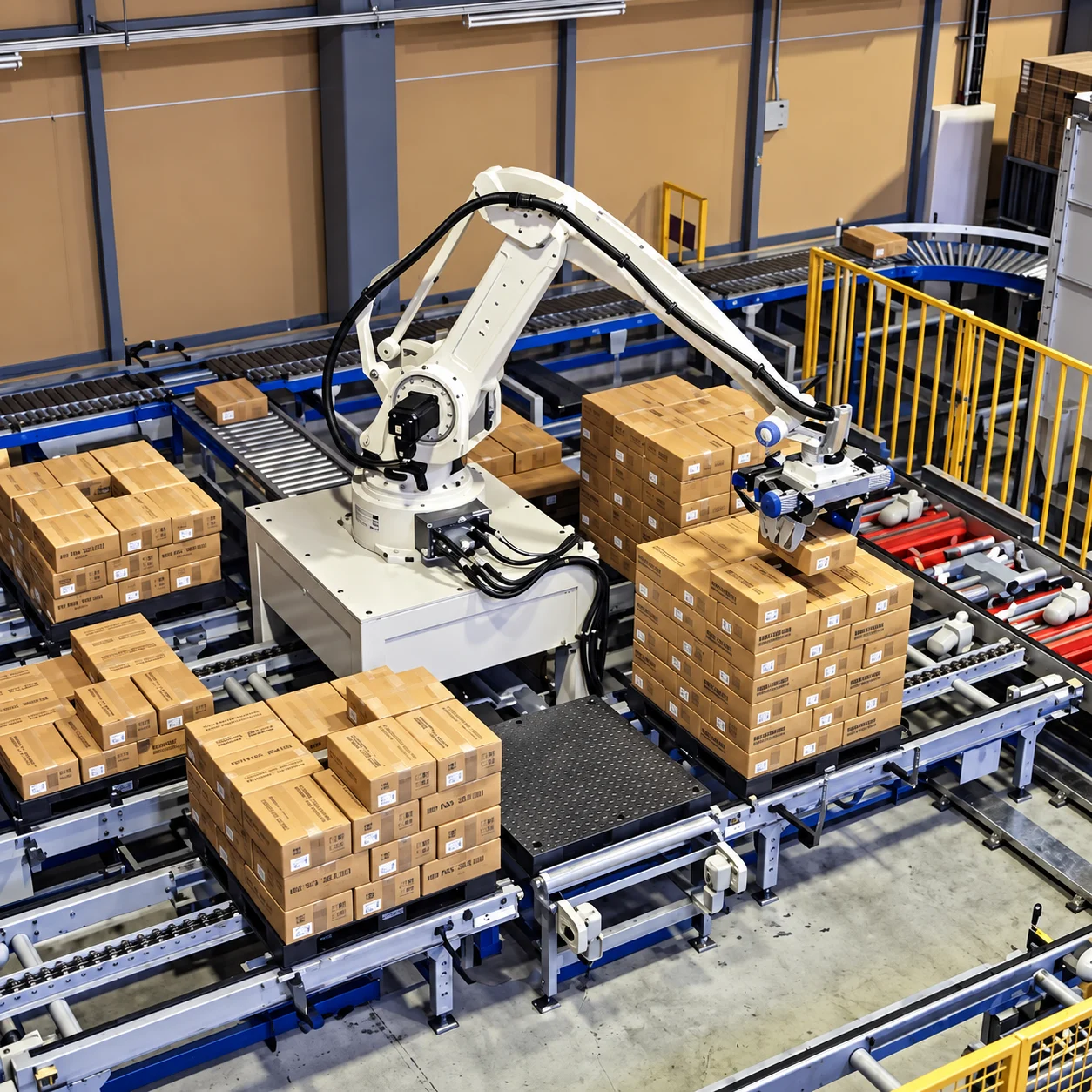
One arm with a 360 degree R-axis can serve up to six pallet positions, which is what makes multi-line palletising practical without multiplying robots. Where several lines converge, the cell sorts by SKU to its own pallet and changes pattern per lane. Pattern changes are a recipe selection rather than a mechanical changeover, so adding a new case size is a programming task.
06Grippers for cartons, trays, crates and bags
Gripper choice is the part that decides whether a cell works. Vacuum suits sealed cartons and smooth trays, clamp tooling suits crates, totes and anything that will not hold vacuum, fork and blade tooling suits bags and sacks, and combination heads handle a mixed case list on one arm. Full layer tooling lifts an entire tier at once and is where the higher throughput figures come from. Tooling is specified against your actual packaging, including the worst of it, not against a catalogue photograph.
07Pattern, set-down accuracy and stack stability
A palletised stack has to survive wrapping, a forklift and a lorry. That depends on interlocked patterns where the case allows, consistent set-down position, and knowing where the pallet actually is rather than where it is assumed to be. Where pallets vary or arrive imperfectly positioned, vision and sensing earn their place by confirming the pallet before the first case lands.
08Damage is a settings problem, not a robot problem
Product damage comes down to controlled acceleration, correct grip force and verified set-down locations. That is worth saying plainly, because the instinct when throughput disappoints is to raise speed, and that is usually how crushing and dropped cases start. The cell is tuned once around the weakest packaging you run, not the strongest, and throughput is found by shortening paths and improving case presentation rather than by turning everything up.
09Pallets, slip sheets and what happens downstream
A palletising cell has to deal with more than cases. Empty pallet magazines, slip sheet placement between tiers and the handover to wrapping or strapping all sit inside the same cell design. The constraint is almost never the arm. A cell that can build 20 cases a minute into a lane that only clears 12 is a 12 case a minute cell with an expensive arm on the front, so the wrapper, the conveyor and the pallet transfer get sized at the same time as the robot.
Footprint, integration and upkeep
Compact cells are possible, and the footprint depends on pallet infeed and outfeed, slip sheet stations and conveyor layout, so a layout drawing and, where it is warranted, a simulation come before any commitment. On Okura cells the Gen V controller carries the OXPA palletising software on an 8.4 inch touch screen with an integrated SICK safety PLC, controls up to six axes, and comes as RC810 or RC820 in JIS or CE panel versions. Stacking programs, pattern edits and diagnostics are handled at the cell rather than through a separate programming station, which is what keeps day to day changes with your own people.